
How to Scan Aircraft Logbooks and Build Digital Records That Hold Up
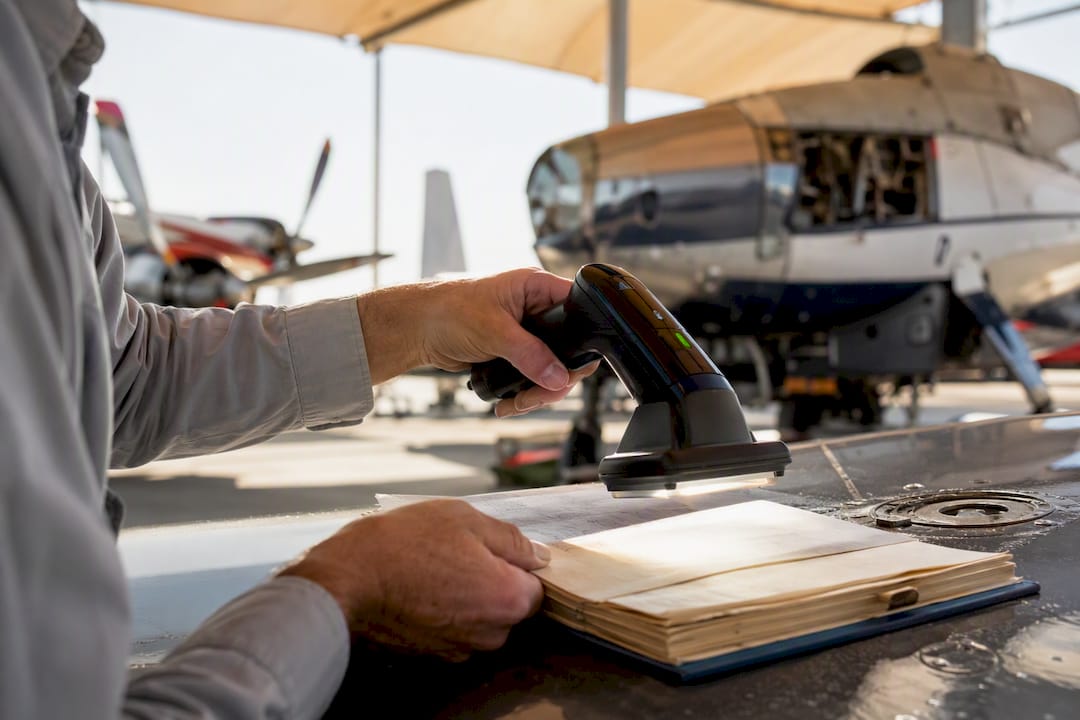
How to Scan Aircraft Logbooks and Build Digital Records That Hold Up
Scan every logbook page at 600 DPI, save the pages as ordered, searchable multi-page PDFs, and keep the paper originals. That combination gives you records you can search in seconds and defend during a sale or an FAA audit.
If you’re working with hundreds of pages, faded 1970s ink, or entries that need to become structured, certified data, a managed digitization service like Squawkfree is worth the cost. Two things to do in the next 30 minutes:
- Pull one logbook off the shelf and count its pages, so you know what you’re actually dealing with.
- Photograph or scan the five pages you reference most (annual inspections, major repairs) so you have a working sample before committing to a full scan.
Table of Contents
- What’s the Right Workflow to Scan Aircraft Logbooks?
- What Scanning Settings and Tools Actually Work?
- Can OCR Actually Read Handwritten Logbook Entries?
- Are Scanned Logbooks Legally Valid for FAA Compliance?
- When Should You Hire a Managed Logbook Digitization Service?
- How Should You Name, Store, and Back Up Your Files?
- What Should You Do First to Digitize Your Aircraft Logbooks?
- What Most Guides Get Wrong About Scanning Logbooks
- Get Your Logbooks Digitized Without the Guesswork
- Sources
What’s the Right Workflow to Scan Aircraft Logbooks?
Digitizing a full set of aircraft records isn’t a weekend photo session you can wing. It’s a document project with a defined order, and skipping steps is exactly how pilots end up with 300 unlabeled PDF files six months later.
- Inventory everything first. Separate airframe, engine, and propeller logs, then gather loose paperwork: Form 337s, 8130-3 airworthiness tags, STC documentation, and weight and balance updates. Include blank and summary pages too. A missing summary page can make a maintenance history look incomplete even when it isn’t.
- Prepare the pages. Remove staples carefully with a flat staple remover, not your fingers, and scan any attached repair invoices or parts tags separately, noting which logbook page they belong to on a sticky note or a quick voice memo.
- Batch the work. Split large books into batches of roughly 100 pages. That size is manageable for a single scanning session and easy to reprocess if one file gets corrupted.
- Capture consistently. Scan front to back in order, never skip a page even if it looks blank, and check focus and lighting before you commit to a full batch.
- Output as multi-page PDFs, not hundreds of single-page images, and name files so the sequence and date range are obvious at a glance.
Pro Tip: Scan the inside covers and any handwritten index pages too. Owners frequently write cross-references there (“see engine log page 42”) that are worthless if you don’t have both books searchable together.
What Scanning Settings and Tools Actually Work?
Resolution is where most DIY scans fail. Older logbook pages should be scanned at 600 DPI, a resolution high enough to preserve faded ink and the small, cramped handwriting common in older entries. Drop below that, especially on a phone camera set to a compressed default, and you lose the fine strokes that separate a “3” from an “8” in a tach time entry.
- File formats: PDF and TIFF are the preferred formats for multi-page submissions and long-term archiving, and modern OCR systems generally support HEIC files straight from an iPhone.
- Hardware choices: Flatbed scanners handle bound books best, sheet-fed scanners are faster for loose 337s and invoices, and portable document scanners split the difference for field work.
- Phone apps vs. dedicated scanners: A phone app is faster to start with but harder to keep consistent across hundreds of pages; a dedicated scanner costs more upfront but produces uniform results batch after batch.
- Fragile pages: Support brittle or torn pages from underneath with a stiff sheet of paper before scanning, rather than pressing them flat against a scanner bed.
The payoff for doing this right is real. The aviation industry spends more than $125 million a year managing paper records, an estimated $5,000 per aircraft annually, much of it tied to the time spent hunting for a single AD compliance entry buried in a stack of logs.
Can OCR Actually Read Handwritten Logbook Entries?
Not reliably, at least not on its own. Conventional OCR accuracy falls significantly when applied to handwriting, often requiring specialized solutions and human verification for reliable results., and aviation logbooks are almost entirely handwritten, often by multiple mechanics across multiple decades. That gap is why a plain “scan and OCR” approach leaves you with a searchable PDF full of misread AD numbers and garbled dates.
Handwriting-specific AI OCR paired with human verification closes most of that gap, particularly on fields that matter for airworthiness. The right output depends on what you need:
- Searchable PDF: fine for quick lookups when you just need to find a page fast.
- Transcription: better for narrative entries, like a lengthy repair description you need in plain text.
- Structured extraction (CSV, XLSX, JSON): necessary for standardized forms such as Form 337 or 8130-3, where each field needs to import cleanly into a maintenance tracking system.
| Output type | Best use case | Verification needed |
|---|---|---|
| Searchable PDF | Quick page lookups | Light spot check |
| Transcription | Narrative repair entries | Review key phrases |
| Structured export (CSV/XLSX/JSON) | Import into maintenance software | Human review of AD numbers, dates, certificate numbers |
Whichever format you choose, spot check the critical fields yourself: AD numbers, certificate numbers, and dates. Those three fields are where a misread character causes the most damage down the line.
Are Scanned Logbooks Legally Valid for FAA Compliance?
Scanned copies are a strong backup, but they aren’t automatically a legal substitute for the original entries. FAA Part 43 recordkeeping expectations center on original entries made at the time the work was performed, and a phone photo alone doesn’t establish the chain of custody an inspector or buyer’s mechanic might want to see.
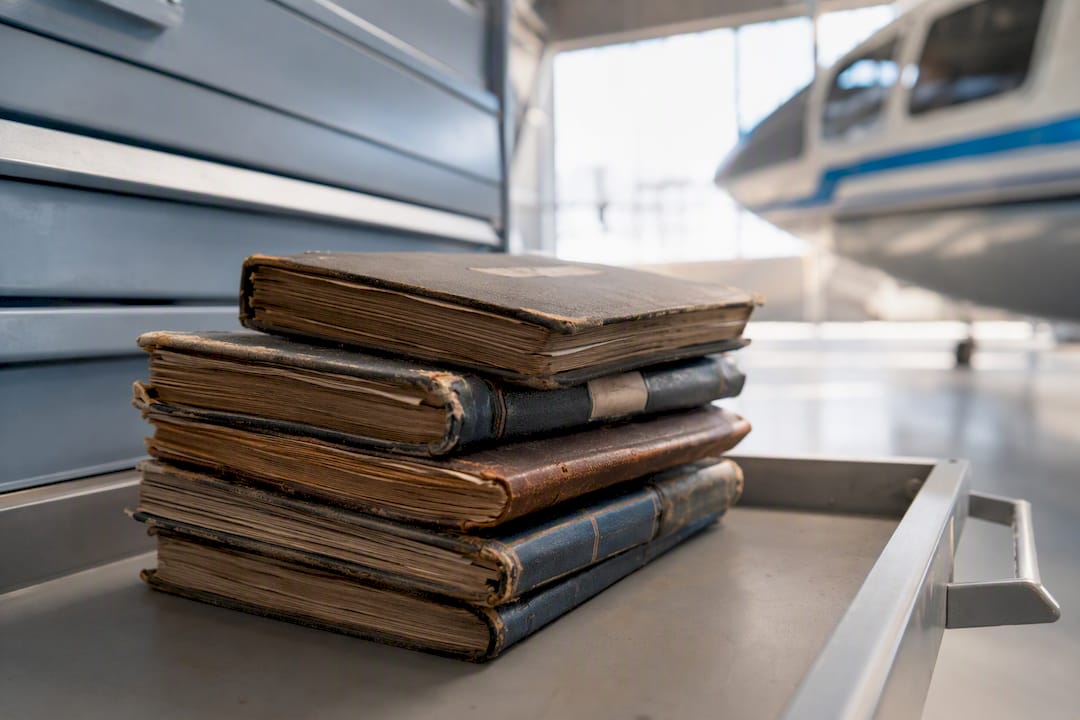
That’s also why certified digital copies typically require A&P sign off plus secure, auditable storage rather than a folder of PDFs on a personal laptop.
Practical steps that hold up:
- Keep the physical originals no matter how good your scans are.
- Have an A&P certify digital copies if you need them to stand in for paper during a transaction or inspection.
- Store copies in a system with an audit trail, not just a shared drive.
- Call your local FSDO or aviation counsel for anything unusual, like missing pages or disputed entries.
When Should You Hire a Managed Logbook Digitization Service?
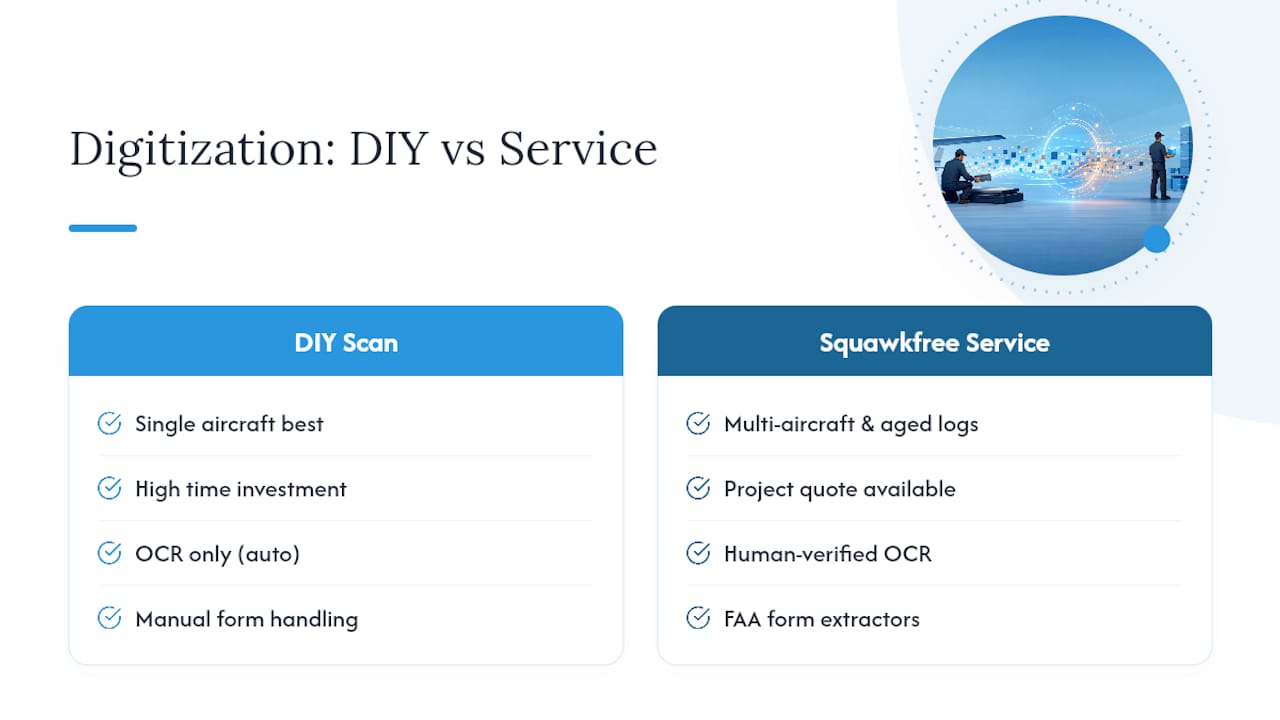
DIY scanning works well for a single-owner aircraft with a few hundred pages and mostly legible handwriting. It stops working well once you’re dealing with a fleet, a 50-year logbook with three different mechanics’ handwriting, or a pre-purchase inspection with a deadline attached.
Consider a managed provider when:
- Your page count runs into the thousands, since large backlogs are best processed in batches with a managed pipeline rather than one owner scanning nights and weekends.
- Handwriting is inconsistent or badly faded across decades of entries.
- You need structured exports, not just searchable PDFs, to feed a maintenance tracking or document management system.
- You’re on a deadline tied to a sale, an inspection, or a fleet audit.
Squawkfree’s logbook digitization service combines human-verified OCR with custom extractors built for FAA forms like the 337 and 8130-3, delivering structured exports that plug directly into maintenance software. Its Flight Intelligence feature auto-imports flight data going forward, so once your history is digitized, new flights don’t require manual entry at all.
Pro Tip: If you’re selling the aircraft within the next year, get the digitization done now. A buyer’s mechanic asking for total time and AD compliance during a pre-purchase inspection is a bad time to discover your logbooks are still three shoeboxes in the hangar.
How Should You Name, Store, and Back Up Your Files?
A consistent naming pattern is the difference between a searchable archive and a folder nobody can navigate five years from now. Use something like [N-number]_[logbook-type]_[YYYY-YYYY]_batch01.pdf, for example N12345_airframe_1998-2012_batch01.pdf.
Structure folders the same way every time:
- Top-level folder by tail number.
- Subfolders by logbook type: airframe, engine, propeller, avionics.
- Files within each subfolder split by year range and batch number.
For backup, follow the same rule professional records departments use: keep one copy on-site, one in the cloud, and one archive copy that nobody can casually overwrite. Run a periodic checksum or file-integrity check so you’d know if a file got corrupted before you need it. If you rescan a page to fix a bad capture, note the correction in the filename or a change log rather than silently replacing the old file. Silent replacement is how discrepancies get missed during an audit.
What Should You Do First to Digitize Your Aircraft Logbooks?
Converting paper logbooks into reliable digital records starts with 600 DPI scans, ordered multi-page PDFs, and human verification of every field that affects airworthiness or value.
| Point | Details |
|---|---|
| Scan at 600 DPI minimum | This resolution captures faded ink and small handwriting reliably for both readability and OCR. |
| Batch large jobs | Split scanning into roughly 100-page batches to keep files manageable and easier to reprocess if something fails. |
| Don’t trust OCR blindly on handwriting | Conventional OCR accuracy falls significantly when applied to handwriting, so verify AD numbers, dates, and certificate numbers manually. |
| Keep originals regardless of scan quality | FAA Part 43 expectations center on original entries, and certified digital copies typically need A&P sign off. |
| Escalate to a managed service for volume or deadlines | Squawkfree’s human-verified OCR and custom form extractors handle large or urgent digitization jobs that DIY scanning can’t keep up with. |
What Most Guides Get Wrong About Scanning Logbooks
Most advice on this topic treats scanning as a photography problem. Get a good camera, hold it steady, done. That’s incomplete. The hard part isn’t capturing the image, it’s what happens after: turning a scanned page into something you or a buyer’s mechanic can actually search, verify, and trust years later.
The conventional wisdom also underestimates how badly plain OCR handles handwriting. That’s not a rounding error. That’s a misread digit that could misstate an inspection date on a logbook a future owner relies on.
My take: scan everything yourself for the backup, but stop treating DIY as the finish line once you’re dealing with volume, degraded handwriting, or a sale deadline. Human-verified digitization isn’t a luxury at that point. It’s the only way to make the records usable rather than just present. Prioritize the pages that touch airworthiness first: ADs, overhauls, 337 forms. Everything else can wait.
— Trent
Get Your Logbooks Digitized Without the Guesswork
Scanning your own logbooks works fine for a single aircraft with legible handwriting and a manageable page count. Once you’re facing a multi-decade fleet history, faded entries from three different mechanics, or a sale deadline, DIY scanning turns into weeks of double checking your own OCR output.

Squawkfree’s logbook digitization service pairs human-verified OCR with custom extractors built specifically for FAA forms like the 337 and 8130-3, so you get structured, searchable records instead of a pile of image files you still have to sort through. Once your history is digitized, Squawkfree’s platform tracks AD compliance and auto-imports new flight data going forward through Flight Intelligence, so you’re not re-entering hours by hand every time you fly.
If your logbooks have been sitting in a hangar drawer for years, request a quote on your digitization project and see what a human-verified conversion actually costs before you commit a weekend to scanning it yourself.
Sources
Further reading: Aviation Pros on backing up paper records, HandwritingOCR on aviation flight log OCR, and Windsock on digital logbook review.
Recommended
- Aircraft Logbook Digitization - Human-Verified OCR | SquawkFree
- Digital Aircraft Records: The FAA Compliance Guide for GA Owners | SquawkFree Blog
- Aircraft Recordkeeping Requirements: An Owner’s Compliance Guide | SquawkFree Blog
- Aircraft Maintenance Logs: FAA Compliance Guide for 2026 | SquawkFree Blog
No credit card required · read-only after trial